
How to Reset the TI-84 Calculator Online
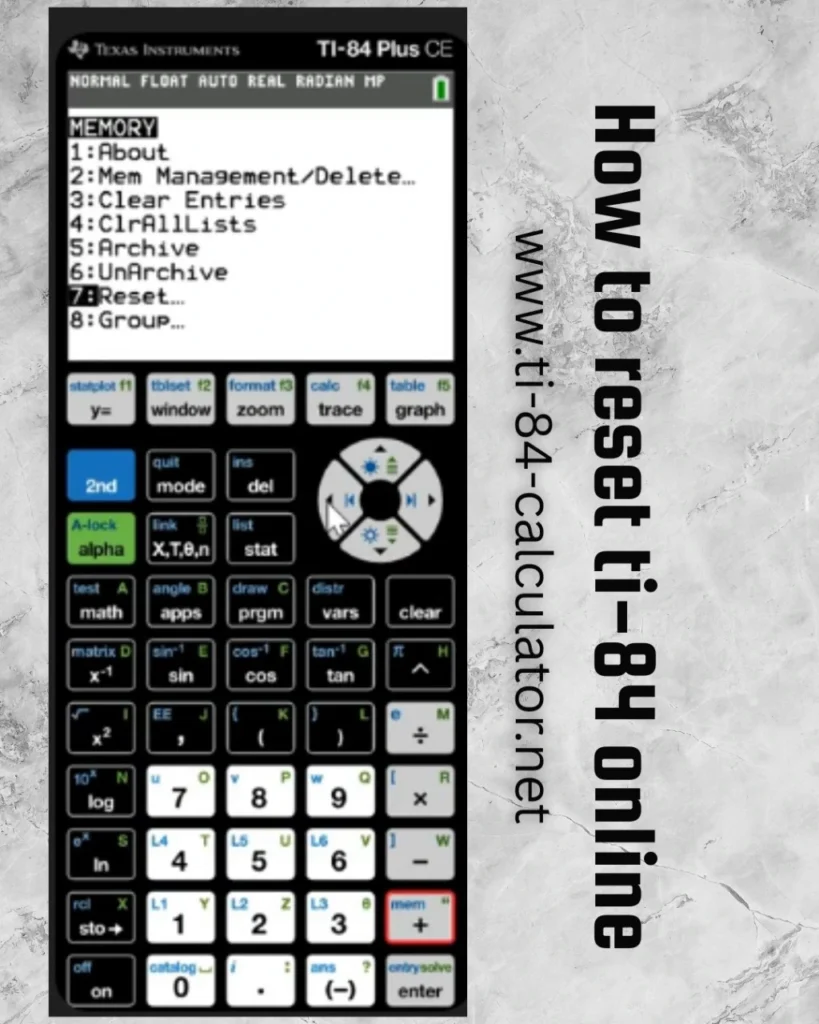
If you’re using our TI-84 calculator online and want to reset it to its default settings, maybe to clear out old calculations or get a clean start, it’s quite simple. Unlike the physical model, the reset process online is fast and doesn’t require any button combinations.
Why reset the TI-84 Online Calculator?
There are several reasons why you users may want to reset the calculator:
You have entered a long string of calculations and want a fresh start.
The calculator is lagging or acting unexpectedly.
You are preparing for a test and want to remove stored data or previous equations.
You have been experimenting with functions, graphs, or apps and want to revert everything to default settings.
Resetting helps if the calculator is lagging, showing unexpected results, or filled with stored data. It is also helpful before a test or an assignment, it is more like clearing the chalkboard before starting a new lesson, resetting your TI-84 online can make everything smoother and more focused.
Note: Resetting will erase any previously entered data or functions. Make sure to save any important info before doing it!
Here’s how to reset your TI-84 Online
1. Locate the Menu or Settings Button: Most online TI-84 calculator simulators include a gear icon or settings menu near the display or keyboard.
2. Click on “Reset Calculator”: Look for an option that says “Reset,” “Clear RAM,” or “Factory Settings.”
3. Confirm the Reset: A pop-up may appear asking for confirmation. Click “Yes” or “Confirm.”
4. Done! You now have a clean calculator ready for new calculations.
Pro Tips Before You Reset
If you’re using the online calculator for homework or assignments, take screenshots or copy down important steps before resetting.
If your calculator appears frozen or laggy, try refreshing the browser first. If that doesn’t help, a reset is your best next move.
Final Thoughts
Resetting the TI-84 calculator online is a breeze compared to resetting the physical version. It’s an excellent way to troubleshoot, refresh your workspace, or simply declutter after a busy day of calculations. Whether you are a student prepping for a quiz, a teacher reviewing problems, or could be a data enthusiast doing some detailed analysis, resetting gives you a clean canvas to work from.
Ready to try it out? Head over to ti-84-calculator.net and reset your calculator with confidence—clean, quick, and hassle-free.